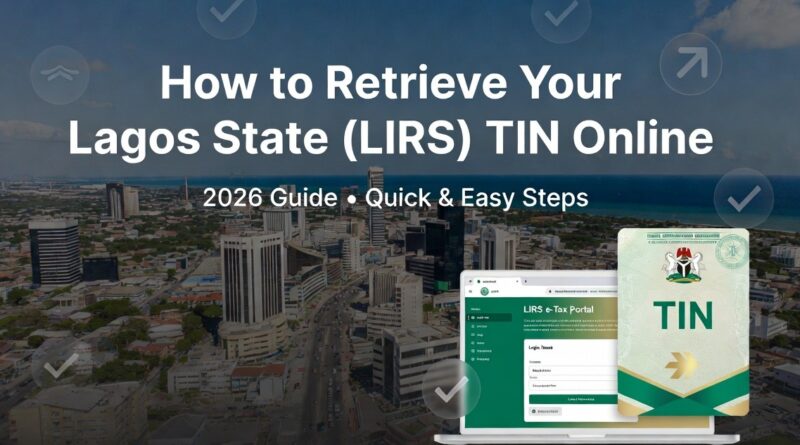
How to Retrieve Your Lagos State (LIRS) TIN Online in 2026
Lost your Lagos Payer ID? With the March 31st deadline approaching, here is how to recover it in 5 minutes using the LIRS e-Tax portal.
Requirements for Retrieval
- Your National Identification Number (NIN) or BVN.
- The phone number used during your initial registration.
- Your Date of Birth (must match your official records).
Steps to Retrieve
- Visit the official LIRS e-Tax portal at etax.lirs.net.
- Click on the “Forgot Payer ID” link located just below the login fields.
- Select your preferred validation method: NIN, BVN, or Phone Number.
- Enter the details and click “Search.”
- Your Payer ID will be displayed on the screen and sent to your registered phone number via SMS.
Troubleshooting
If the portal says “Record Not Found,” do not panic. This often happens if your old records haven’t been linked to your NIN. Use the “Live Chat” bubble at the bottom right of the LIRS website; their digital assistants can manually verify your profile between 8 AM and 5 PM.
The ₦100,000 Penalty
Under the 2026 tax reforms, the LIRS uses automated tracking. Without your Payer ID, you cannot generate a payment receipt. No receipt means the system marks you as “Non-Compliant” by April 1st, triggering the ₦100k fine.
Final Step: Start Your Filing
Now that you have retrieved your Lagos Payer ID, click here to login to the LIRS e-Tax portal to begin your 2026 tax filing. If you are unsure which documents to upload, follow our [Main 2026 Tax Filing Guide] for a complete checklist to avoid the ₦100,000 fine.
